

How do I get set up on Platecat?
Send us your menu and we set up your menu, ordering page and QR codes remotely; nothing goes live until you say it’s right. We currently serve businesses in the UK.
Getting from sign-up to your first real order.
Steps
Email your menu to support@platecat.com: a photo, a PDF or a link is fine. Put your restaurant’s name in the subject, and include your opening hours, address, phone, email and how you serve (collection, delivery, eating in). If you signed up online, you sent it there already.
We build your menu, ordering page and QR codes, and send your first version within 7 working days. Everything is done by email: no calls or visits.
Sign in and open Help. The checklist Your first 10 minutes lists six things to do before your first real order. Each one ticks itself when it’s done.
Work through it: Check your opening hours, Go live with your 10 signature dishes, Choose ways to order, Place a test order, Print a test ticket and Print your QR codes.
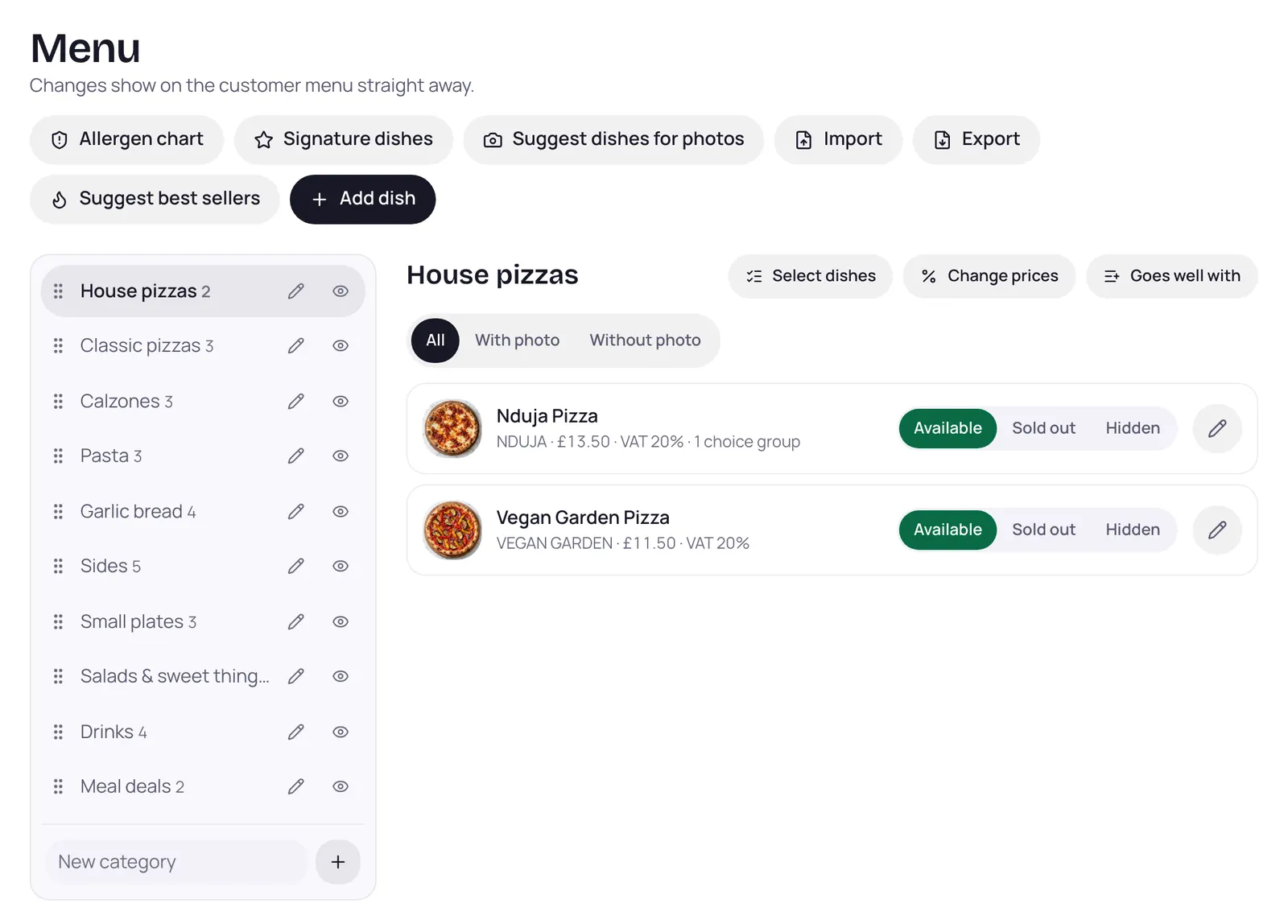
Check everything and email support@platecat.com with any changes. When it’s right, tap Send for review in your back office, or reply to our email to say go. We check your shop, usually within one working day, and your ordering goes live as soon as we approve it. Next: print your QR codes and put them up.
Screens from the demo restaurant.
Related articles
- How do I change my opening hours?Open Settings, change the times under Opening hours and tap Save hours; ordering and your website use them straight away.
- How do I print my QR codes and posters?Open QR codes and tap Print a sticker on a code, or tap Posters for print-ready posters that each have their own QR code.
- How do I install the print agent on Windows?The print agent is a small Windows program that prints your tickets on the shop computer’s receipt printer; for now we set it up with you remotely and send you the download link.
Still stuck? Contact us
Email us and say what you were trying to do, with the order number if there is one.
Platecat support: in your back office, open Help and tap Email us, or email support@platecat.com. We reply within one working day.
Email ussupport@platecat.com